


Належне управління користувачами є однією з найважливіших «основ експлуатації» для VPS під управлінням Linux. Мета проста: уникати роботи з правами root, використовувати доступ на основі ролей, застосовувати надійну аутентифікацію та забезпечувати передбачуваність прав доступу для спільної роботи та розгортання.
Цей посібник охоплює створення користувачів, управління групами, надання мінімальних прав sudo, політику паролів, доступ за допомогою SSH-ключів, спільні каталоги (setgid/ACL) та безпечну процедуру виведення з системи. Почніть з чистого та стабільного VPS на базі Linux, щоб забезпечити послідовний контроль доступу з першого дня.
/etc/passwd (UID, GID, оболонка, домашній каталог)./etc/shadow (доступ тільки для root)./etc/group (GID та члени)./home/, стандартний скелет: /etc/skel.Порада: більшість дистрибутивів використовують UID ≥ 1000 для звичайних користувачів та менші UID для системних/сервісних облікових записів.
sudo adduser alice
sudo usermod -aG sudo alice
Перевірте права sudo (вас попросять ввести пароль Аліси):
su - alice
sudo -v
sudo whoami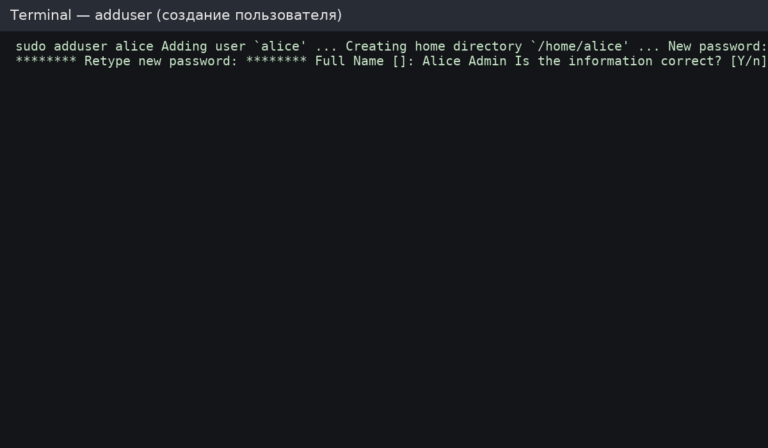
sudo useradd -m -s /bin/bash bob
sudo passwd bobКорисно, коли ви зберігаєте користувачів проекту в /srv або на окремому диску/томі.
sudo useradd -m -d /srv/users/charlie -s /bin/bash charlie
sudo passwd charlie

# Ensure strict permissions (example: only user   group can read)
sudo chown -R charlie:charlie /srv/users/charlie
sudo chmod 750 /srv/users/charlie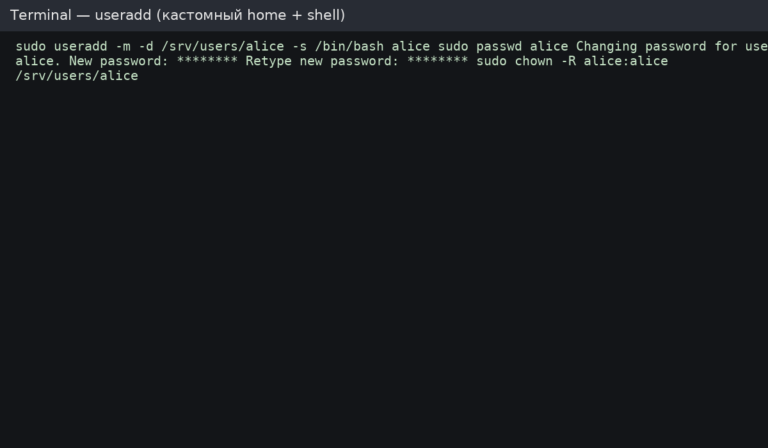
Перевірка:
id alice
getent passwd alice
ls -la /home/alice
sudo -l -U alice
Групи — це найпростіший спосіб управління доступом. Уникайте надання всім «повного sudo» — використовуйте групи ролей, коли це можливо.
# Add user to a group (example: docker)
sudo usermod -aG docker alice

# Show groups
groups alice
id alicesudo gpasswd -d alice dockersudo groupadd webadmins
sudo usermod -aG webadmins alice
sudo usermod -aG webadmins bobРедагуйте правила sudo лише через visudo — це перевіряє синтаксис і запобігає «блокуванню» доступу адміністратора.
sudo visudoПриклад правила (не дублюйте, якщо ваш дистрибутив вже використовує %sudo або %wheel):
%sudo ALL=(ALL:ALL) ALLСтворіть окремий файл sudoers для групи ролей. Використовуйте лише абсолютні шляхи.
sudo visudo -f /etc/sudoers.d/webadminsПриклад вмісту:
# Allow only safe, specific commands (example)
%webadmins ALL=(root) NOPASSWD: /usr/sbin/nginx -t, /bin/systemctl reload nginx

# Recommendation: avoid NOPASSWD unless automation truly requires it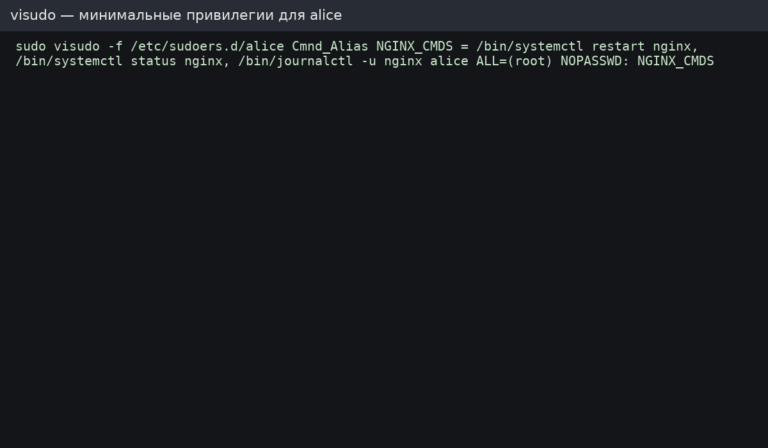
Рекомендація: надавайте дозволи через групи, коли це можливо (%webadmins ...), а потім додавайте/видаляйте користувачів із групи для управління доступом.
# Show current policy
sudo chage -l alice

# Example: max 90 days, min 1 day, warn 14 days before expiry
sudo chage -M 90 -m 1 -W 14 alicesudo nano /etc/login.defsПриклади базових значень:
PASS_MAX_DAYS   90
PASS_MIN_DAYS   1
PASS_WARN_AGE 14Встановіть та налаштуйте правила якості паролів (ретельно протестуйте на виробничих системах).
sudo apt update
sudo apt install -y libpam-pwquality
Редагувати /etc/pam.d/common-password та додайте/налаштуйте pam_pwquality параметри. Приклад:
password requisite pam_pwquality.so retry=3 minlen=14 ucredit=-1 lcredit=-1 dcredit=-1 ocredit=-1sudo -u alice mkdir -p /home/alice/.ssh
sudo -u alice chmod 700 /home/alice/.ssh
# Add the public key (replace with your actual key)
echo "ssh-ed25519 AAAAC3NzaC1lZDI1NTE5AAAA... yourkey" | sudo tee -a /home/alice/.ssh/authorized_keys >/dev/null
sudo -u alice chmod 600 /home/alice/.ssh/authorized_keys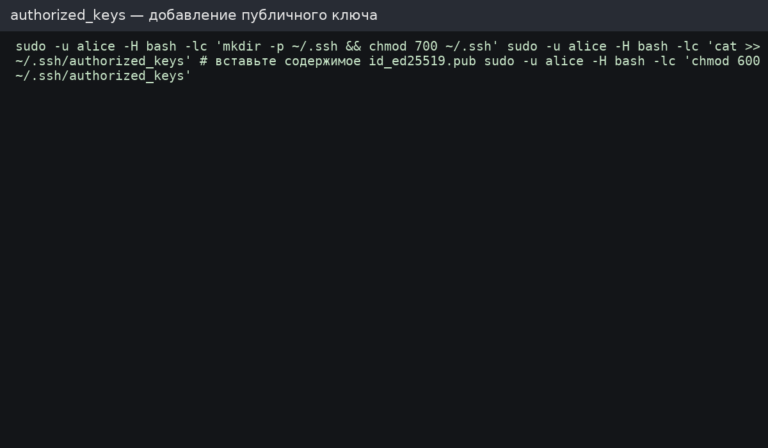
Базові заходи безпеки: вимкнути аутентифікацію за паролем, вимкнути вхід як root та обмежити доступ до SSH певною групою.
sudo groupadd sshusers || true
sudo usermod -aG sshusers alice

sudo nano /etc/ssh/sshd_config
Приклади директив:
PermitRootLogin no
PasswordAuthentication no
PubkeyAuthentication yes
AllowGroups sshusers
Перезавантажте SSH (Ubuntu/Debian):
sudo sshd -t
sudo systemctl reload ssh
Важливо: перед вимкненням паролів переконайтеся, що вхід на основі ключів працює, інакше ви можете втратити доступ.
Використовуйте обліковий запис без оболонки для служб та автоматизації (це зменшує ризик у разі витоку облікових даних).
# Create a service user without interactive shell
sudo useradd -r -m -s /usr/sbin/nologin svcdeploy

# Lock password login (key-based only if needed)
sudo passwd -l svcdeployЗавдяки setgid нові файли автоматично успадковують групу каталогу — це дуже корисно для командної роботи.
sudo groupadd project || true
sudo mkdir -p /srv/project
sudo chown -R root:project /srv/project

# 2 in 2775 enables setgid bit
sudo chmod 2775 /srv/project

# Add users to the project group
sudo usermod -aG project alice
sudo usermod -aG project bobACL дозволяє встановлювати детальні дозволи та правила за замовчуванням для новостворених файлів.
sudo apt install -y acl || true

# Grant rwx to group on the directory (and set default ACL for new files)
sudo setfacl -m g:project:rwx /srv/project
sudo setfacl -d -m g:project:rwx /srv/project

# Check ACL
getfacl /srv/projectКоли над одним VPS працюють кілька адміністраторів, базовий аудит допомагає відстежувати доступ та швидко діагностувати проблеми.
# Recent logins
last -a | head -n 20

# Last login per user
lastlog | head -n 20

# SSH logs (Ubuntu/Debian)
sudo tail -n 200 /var/log/auth.log

# Systemd-based view (often works everywhere)
sudo journalctl -u ssh --since "today" | tail -n 100 || true
sudo journalctl -u sshd --since "today" | tail -n 100 || trueБезпечний процес виведення з експлуатації: блокування → зупинка сеансів → резервне копіювання → видалення. Це запобігає несподіванкам і зберігає дані, коли це потрібно.
# 1) Lock password (prevents password auth)
sudo passwd -l alice

# 2) Disable shell (prevents interactive login if it’s still allowed)
sudo usermod -s /usr/sbin/nologin alice

# 3) Kill running processes (optional)
sudo pkill -u alice || true

# 4) Backup home directory (optional but recommended)
sudo tar -czf /root/alice-home-$(date  %F).tar.gz /home/alice

# 5) Remove user and home directory (final step)
sudo userdel -r alice/etc/sudoers.d з мінімальними привілеями.chage/login.defs/PAM, де потрібно).AllowGroups якщо використовується.Доступ на основі ролей та чітке управління користувачами роблять сервери простішими в експлуатації та безпечнішими у виробничому середовищі. Розгорніть надійний VPS на базі Linux, а потім з першого дня правильно налаштуйте користувачів, групи, правила sudo та доступ через SSH.